The best screenshot tool for Mac — in 3 seconds.
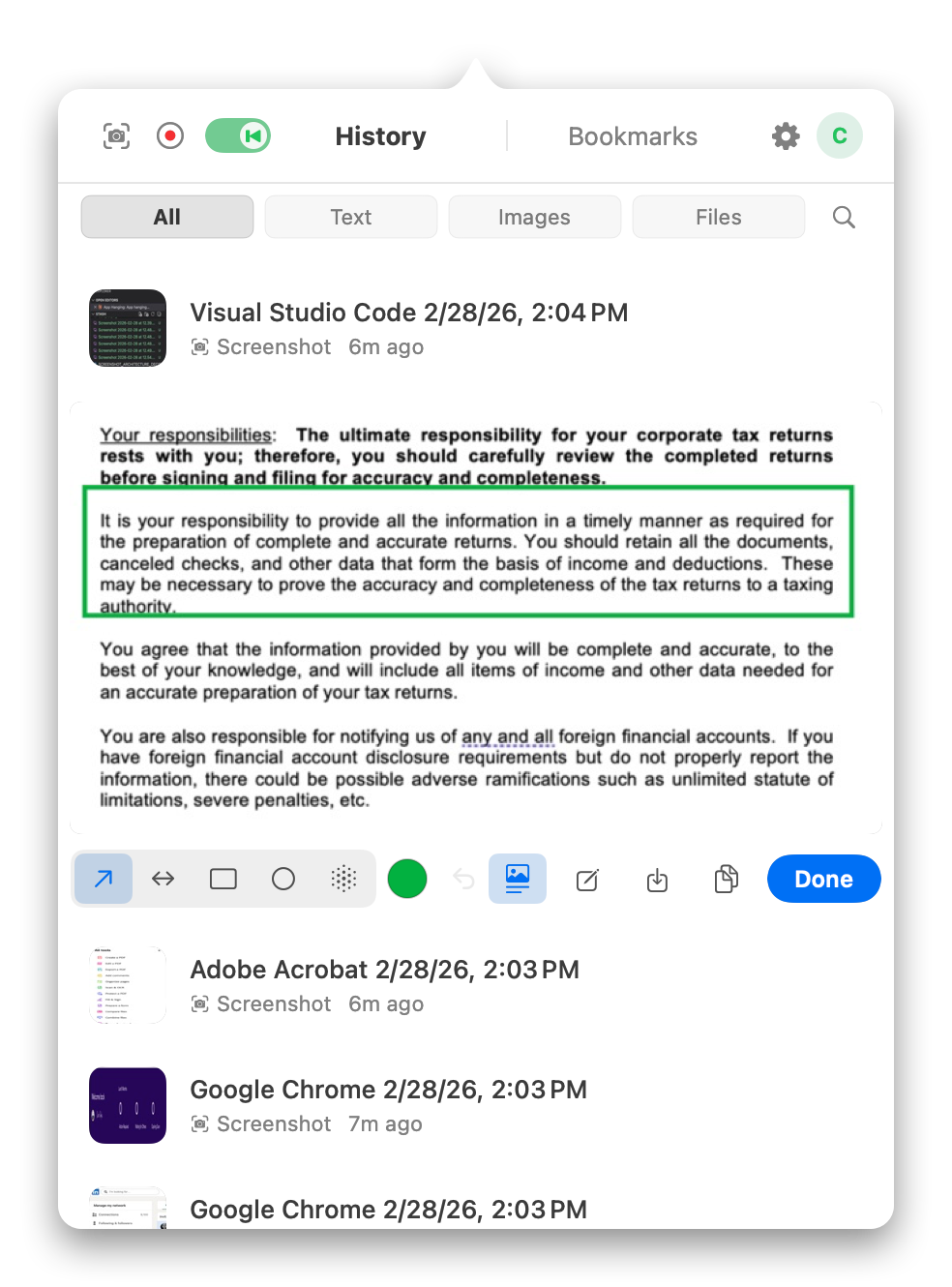
Press your hotkey to capture any region of your screen. An annotation overlay appears instantly — draw arrows, rectangles, or ellipses to highlight exactly what you mean. The moment you draw, the annotated image is copied to your clipboard automatically. No save dialog. No file management. No exporting. Just ⌘V into Slack, Jira, email, or any app that accepts images.
Found a UI bug? Capture it, draw an arrow pointing to the broken element, and paste it into your bug tracker — all without leaving the app you're reviewing. Giving design feedback? Circle the spacing issue and paste it right into the thread. The entire workflow that used to take Preview, Finder, and a drag-and-drop is now one keystroke and one paste.
- Customizable global screenshot hotkey — works from any app
- Annotation tools: arrows, rectangles, and ellipses with adjustable color
- Auto-copy on every edit — your clipboard updates with each annotation
- Paste directly into Slack, Jira, Linear, Notion, Claude, ChatGPT, email, and more
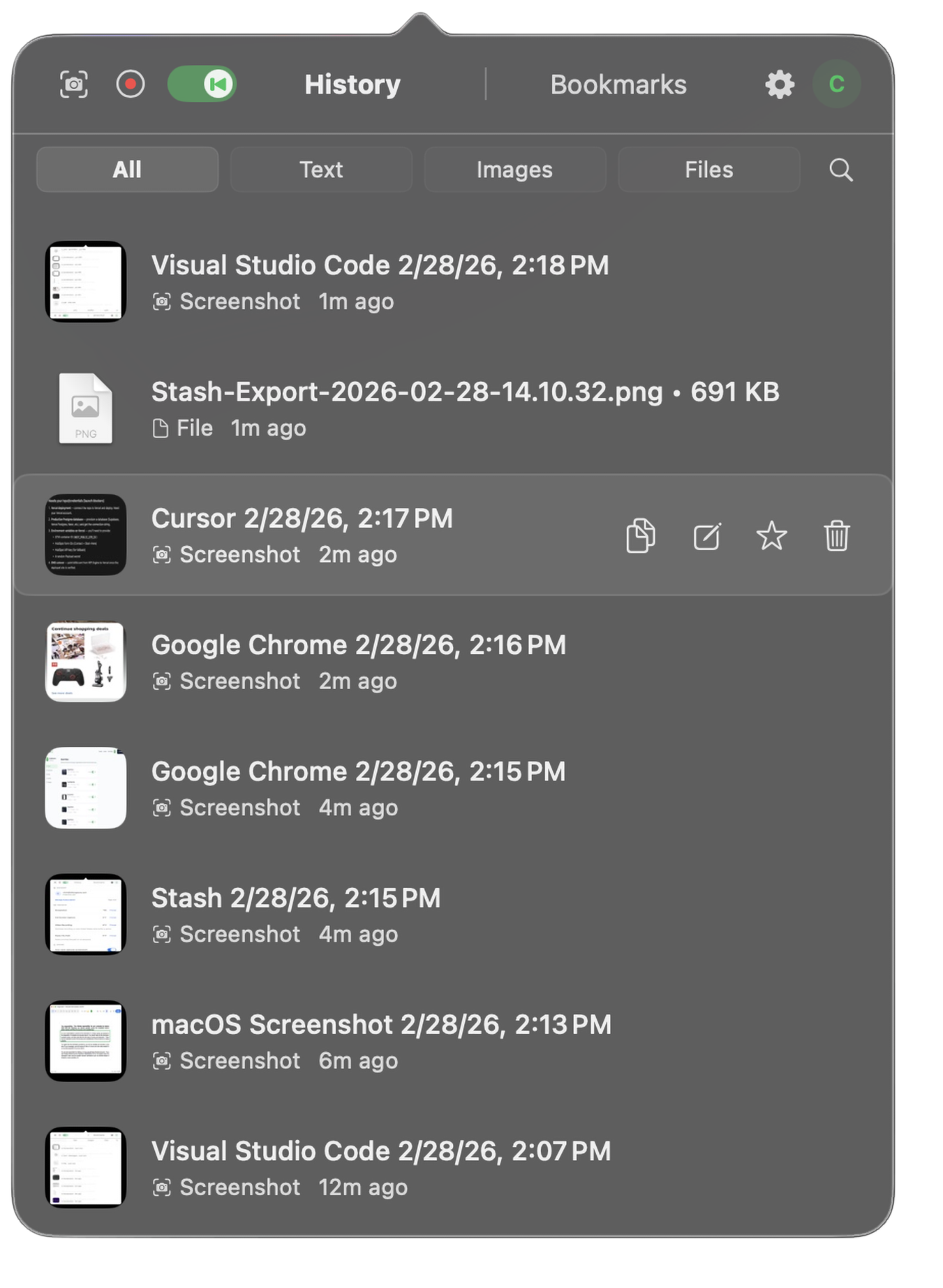
- No files to save, name, or organize — it's always on your clipboard